By Jayson · Updated July 2026 · 6-minute read
How to calibrate a postal scale- Quick Answer: Clean the platform, power on and wait 60 seconds, press Tare to zero, then hold MODE or CAL until the display shows the required calibration weight. Place the exact weight in the center of the platform, wait for PASS, then verify with a known object. No calibration weight? Use US nickels — each weighs exactly 5.000g. One note upfront: Dymo M-series scales have no user calibration mode at all — see the section below before you go hunting for a CAL button.
How to calibrate a postal scale starts with understanding what it's actually for: a postal scale has one job, telling you the correct weight so you pay the right postage. When it drifts, you either overpay on every package or, worse, underpay and have mail returned or hit with a postage-due charge. For a business sending 50 packages a day, even a small consistent error adds up fast. Learning how to calibrate a postal scale properly is a five-minute job that closes that gap.
Here's how to calibrate a postal scale the right way: the real 6-step process, a coin-based verification trick accurate to a fraction of a percent, and what to do if your particular scale — looking at you, Dymo — doesn't have a calibration mode at all.
In this guide
- Why postal scales lose calibration
- What you need before you start
- How many coins do you need?
- Step-by-step calibration
- Finding your scale's calibration sequence
- Accuracy tester
- Troubleshooting
- How often to calibrate
- FAQ
How to Calibrate a Postal Scale: Why It Drifts
Postal scales are generally more forgiving than jewelry scales, but they still drift, and knowing why is the first step in learning how to calibrate a postal scale properly. Left unchecked, the same small error repeats on every single package you send, which is exactly why catching drift early matters more here than it might seem. The most common culprits are a low battery, being moved from one surface to another, and vibration from nearby printers or sorting equipment. Scales used near label printers are particularly vulnerable — motor vibration transmits through the desk directly into the load cell.
Real accuracy requirements for commercial scales aren't a single flat percentage — NIST Handbook 44 sets tolerance as a function of the scale's division size and accuracy class, not a blanket "±0.1%" rule you'll sometimes see quoted online. See our NIST Handbook 44 explained guide for how those tolerance tables actually work. The practical takeaway is simpler: if your scale is consistently off against a known weight by more than a division or two, calibration — or a battery change — is overdue.
How to Calibrate a Postal Scale: What You Need First
Gather these before you start learning how to calibrate a postal scale, so you're not hunting for something mid-process:
- A hard, flat surface. Away from printers, label dispensers, and anything that vibrates. A rubber mat on the desk helps absorb low-level vibration.
- Fresh batteries. Low battery is the number one cause of postal scale drift — replace them before calibrating, not after.
- The correct calibration weight. Most postal scales calibrate at or near their maximum capacity — a 10lb scale generally needs a weight close to 10lb. Check the bottom of the scale or the manual. For smaller postal scales, 100g or 200g is common. See our calibration weights guide for what to buy.
- Your scale's manual. Button sequences vary significantly between postal scale brands. Dymo scales in particular have no user calibration on most models — knowing this upfront saves real frustration.
- A few minutes without interruption. Rushing the warm-up or the zero step is the single most common reason a calibration doesn't hold. Five uninterrupted minutes beats two rushed attempts every time.
How to Calibrate a Postal Scale Without Weights: How Many Coins?
No calibration weight? US nickels weigh exactly 5.000g each per US Mint specification. Most small postal scales (up to 500g, roughly 1lb) can be calibrated with nickels. Larger scales rated in pounds are trickier — you'd need 91 nickels for a 1lb calibration (453.6g). At that point, a proper calibration weight set makes more sense.
Coin calibration weight calculator
Enter your scale's required calibration weight in grams. Not sure? Check the bottom of your scale.
40 US nickels
For scales rated in pounds: convert first — 1 lb = 453.592g. A proper calibration weight is usually cheaper and far more practical than stacking 90+ nickels.
| Coin | Weight | Good for calibration? |
|---|---|---|
| Nickel (5¢) | 5.000g | Best choice for gram-rated scales |
| Penny (post-1983) | 2.500g | Good for odd targets |
| Quarter (25¢) | 5.670g | Awkward denominations |
Important — pounds vs. grams: many postal scales display in ounces or pounds, not grams. Your calibration weight still needs to match the scale's required value. Check whether your scale's manual specifies the calibration weight in grams, ounces, or pounds, and convert accordingly before using the calculator above. 1 oz = 28.35g.
How to Calibrate a Postal Scale, Step by Step
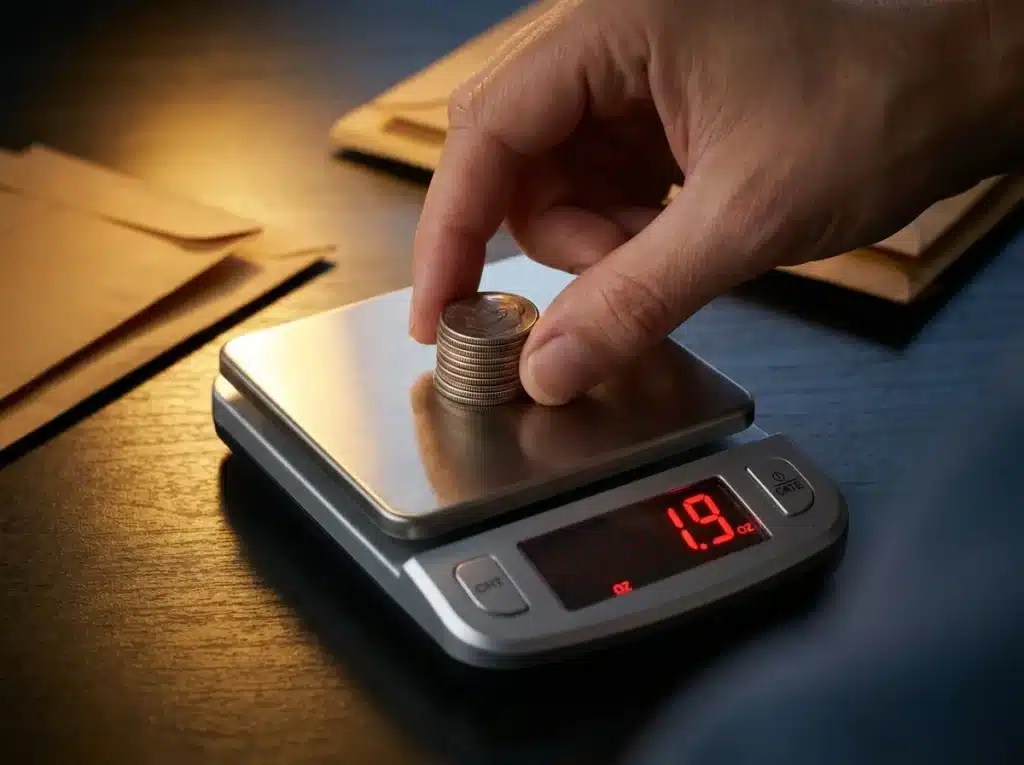
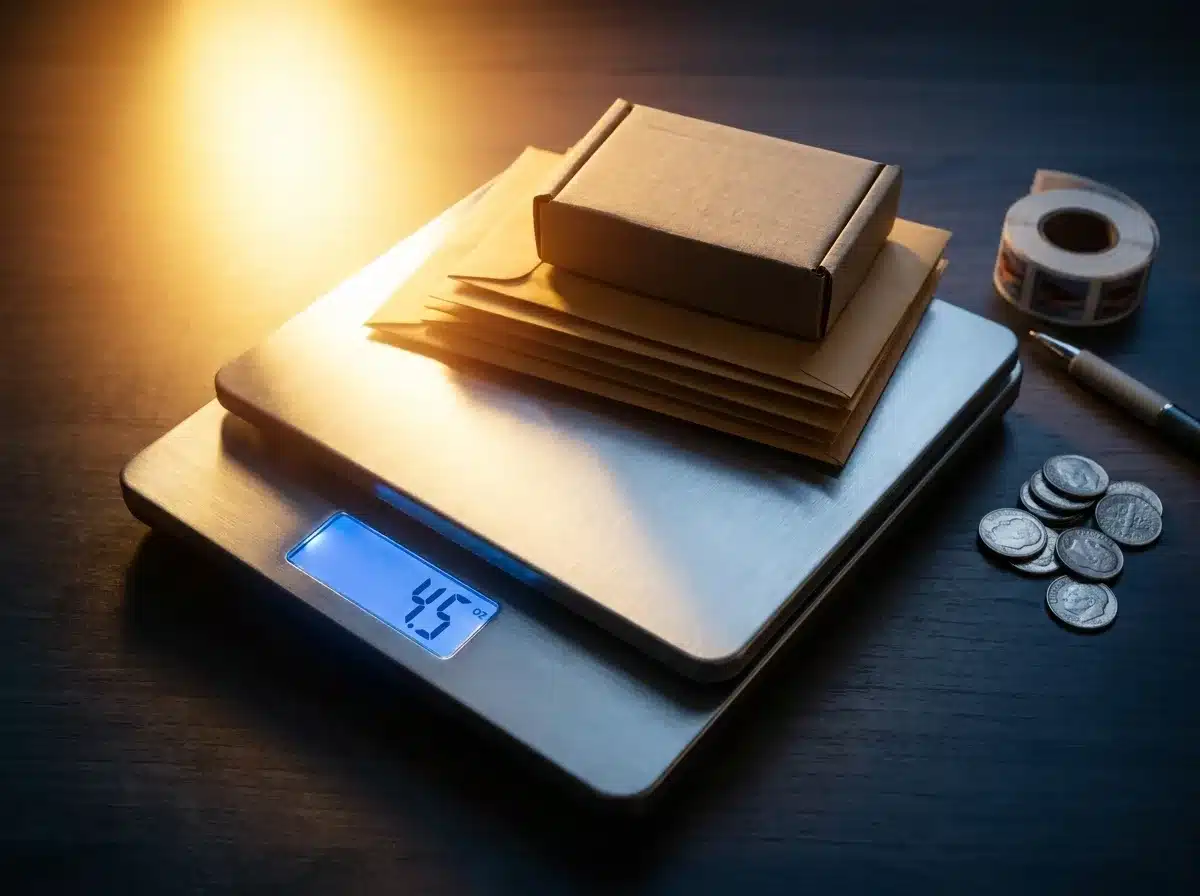 A stack of 25 clean dimes is a genuinely exact 2-ounce verification reference — no calibration weight required.
This is exactly how to calibrate a postal scale in practice — the general process most postal scales that support calibration follow — the exact button names vary by model, so check the next section if a step doesn't match your display.
- Clean the platform. Wipe it with a dry cloth and check underneath for debris — even a staple or a scrap of paper trapped under the platform adds a consistent false reading.
- Install fresh batteries and power on. Replace batteries if they haven't been changed in six months. Let the scale sit undisturbed for 60 seconds, away from a running printer or label dispenser.
- Zero the scale. Nothing on the platform. Press Tare or Zero and wait for a stable 0.0 reading — some scales reset to 0.00 oz or 0.0 lb, which is fine. If it won't hold zero, check for vibration sources nearby before continuing.
- Enter calibration mode. Hold CAL or MODE for a few seconds until the display shows CAL or starts flashing the required weight — this is what goes on the platform next.
- Place the calibration weight. Set it gently in the center of the platform. Don't bump the scale or desk while it stabilizes; the display will settle and either auto-confirm or wait for a button press.
- Confirm and verify. Wait for PASS or an automatic return to weighing mode. Remove the weight, re-zero, then verify by weighing a known object — a sealed 100g bag of sugar, a US nickel, or a letter of known weight. If the reading is off, repeat from step 2.
Quick verification trick: 25 US dimes weigh exactly 56.7 grams — 2 avoirdupois ounces is 56.699 grams, so the two figures differ by about 0.001g, roughly 0.002% off. If your postal scale shows 2.0oz when you place 25 clean dimes on it, calibration is good. Takes ten seconds and needs no calibration weights at all. It's worth keeping a small stack of exactly 25 clean dimes taped inside a desk drawer specifically for this — a permanent, free reference that never needs replacing, unlike a bag of sugar that goes stale or a calibration weight that can get misplaced in a busy packing area.
Finding Your Scale's Calibration Sequence
Part of learning how to calibrate a postal scale is accepting that button sequences vary meaningfully between brands, and rather than hand you a confident brand-by-brand table that's likely wrong for your specific model, here's what's actually worth knowing: most postal scales that support calibration use some combination of holding MODE or CAL for a few seconds until the display shows CAL, sometimes combined with holding TARE and the power button together. The manufacturer's manual or a printed marking on the base is always more reliable than a generic sequence — search [your brand] [model number] calibration PDF if you don't have the manual handy.
The one confirmed exception worth knowing upfront: Dymo M-series scales (M3, M5, M10, M25) are factory-calibrated with no documented user calibration mode at all. If your Dymo scale reads incorrectly, replacing the batteries fixes it more often than you'd expect; if it's still wrong after that, contact Dymo's official support rather than hunting for a CAL sequence that doesn't exist on these models.
Accuracy tester
A PASS message means the scale accepted the calibration — it doesn't mean the calibration weight you used was accurate. Always verify the result against a known-weight object.
Scale accuracy test
Good test objects: a US nickel (5.000g), a known-weight letter, or a sealed bag of sugar with the net weight printed on the packet.
For a more detailed pass/fail breakdown, use the full accuracy tester on our digital pocket scale guide.
Troubleshooting How to Calibrate a Postal Scale
| Symptom | Most likely cause | Fix |
|---|---|---|
| Reads consistently high or low | Calibration drift | Calibrate using the steps above. |
| Reading jumps around | Vibration from a nearby printer or equipment | Move the scale away from the printer; place it on a rubber mat. |
| Shows Lo or a battery icon | Low battery | Replace the batteries — do this before anything else. |
| Shows ERR or OVER | Overloaded — package exceeds max capacity | Remove the package immediately; check the scale's max capacity. |
| Won't hold zero, drifts up | Debris under the platform or an uneven surface | Clean under the platform; move to a flat, hard surface. |
| Calibration completes but still reads wrong | The calibration weight itself was inaccurate | Repeat with verified weights or fresh, clean coins. |
| Dymo scale reading incorrectly | No user calibration available on Dymo M-series | Replace the batteries first; if still wrong, contact Dymo support. |
How to Calibrate a Postal Scale: How Often
Knowing how to calibrate a postal scale is only half the job — knowing how often matters just as much. For a home office sending occasional packages, calibrate every 3-6 months and whenever the scale is moved. For a business shipping daily, calibrate monthly and spot-check weekly with a known-weight object.
Always calibrate after: - Moving the scale to a new location or surface - Replacing batteries - Noticing packages being returned for insufficient postage - A drop or knock - Readings that seem inconsistent or don't match a known weight
Worth checking if you send volume: carriers reconcile weight discrepancies whether you catch them or not. USPS's own postage verification process exists specifically to detect and bill for underpaid postage, and it applies automatically to labels printed through Click-N-Ship and most PC Postage services. A postal scale that reads even slightly light doesn't save you money — it just delays the correction to a later invoice, sometimes with an added fee. A scale that reads slightly heavy costs you on every single label, with no correction ever coming back the other way. Either direction, an uncalibrated scale is a small, silent tax on your shipping costs that a five-minute check eliminates.
Frequently asked questions
How do I calibrate a postal scale without weights? Use US nickels — each weighs 5.000g. Divide your scale's required calibration weight by 5 to get the number of nickels needed. For a 200g calibration, use 40 nickels. For scales rated in pounds, convert first — 1 lb = 453.592g. For 10lb scales, nickels aren't practical; a proper calibration weight is the better option.
How often should I calibrate a postal scale? Monthly for daily business use. Every 3-6 months for occasional home use. Always after moving the scale, replacing batteries, or noticing packages returned for insufficient postage.
Why is my postal scale reading differently each time? This is the question behind most searches for how to calibrate a postal scale in the first place. Work through this order: replace the batteries first, since that fixes the majority of cases; move the scale to a hard, flat surface away from printers; check for debris under the platform; then recalibrate. If readings are still inconsistent after all four steps, the load cell may be damaged.
Does a Dymo postal scale need calibration? Most Dymo M-series postal scales (M3, M5, M10, M25) are factory-calibrated and have no user-accessible calibration mode. If your Dymo reads incorrectly, replace the batteries first. If it's still wrong, contact Dymo's official support — it may qualify for a warranty replacement.
What calibration weight does a postal scale need? It depends on the scale's capacity. Most postal scales calibrate at or near their maximum rated weight — a 10lb scale needs a weight close to 10lb, a 200g scale needs close to 200g. Check the bottom of the scale or the manual. See our calibration weights guide for which class to buy.
More Related Guides
Now that you know how to calibrate a postal scale, here are related guides worth bookmarking:
- Calibration Weights: Which Class & Size — scalecalibration.net/calibration-weights/ — which weight class and capacity to buy for postal and shipping use.
- How to Calibrate a Digital Pocket Scale — scalecalibration.net/how-to-calibrate-digital-pocket-scale/ — the interactive coin calculator and full accuracy tester.
- How to Calibrate a Shipping Scale — scalecalibration.net/how-to-calibrate-a-shipping-scale/ — for higher-capacity scales used in e-commerce fulfillment.
- NIST Handbook 44 Explained — scalecalibration.net/nist-handbook-44-explained/ — the real tolerance-table standard behind commercial scale accuracy.